Capture AMI data with tcpdump and read them with wireshark and other unix tools

To see what AMI events are actually coming on the wire you will need to perform the following steps. Capture Packets Convert Into Readable Text with tshark command with Wireshark Capture Packets tcpdump -i lo -nqtttt -s 0 -A ‘((src port 5038) or (dst port 5038))’ -w ami.pcap In above command from loopback (not ethernet) and saved into ami.pcap tcpdump -i eth0 -nqtttt -s 0 -A ‘((src port 5038) or (dst port 5038))’ -w ami.pcap In above command from ethernet0 (might be different on your system) and saved into ami.pcap Boxdocker…all the programs are using loopback in the container. sudo…

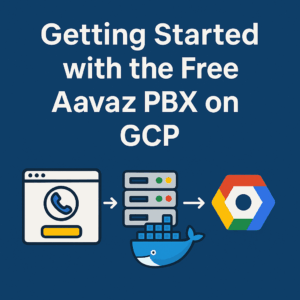
Getting Started with the Free Aavaz PBX on Google Cloud (GCP)

Getting Started with the Free Aavaz PBX on GCP Quick overview Spin up a GCP VM. Deploy the Aavaz PBX via Docker container (version 3.11.5). Connect your Aavaz Smart Line (click-and-go number + free $1 credit) — no separate SIP trunk from Twilio required. Begin making calls, manage users/extensions, upgrade minutes or country-specific numbers with simple KYC if needed. 1. Prerequisites Before you begin: Basic familiarity with Linux (especially command line), Docker, and VM/firewall concepts. A GCP account with rights to create Compute Engine instances and firewall rules. An Aavaz account where you’ll receive your Smart Line number and initial…

Aavaz
Privacy Overview

This website uses cookies so that we can provide you with the best user experience possible. Cookie information is stored in your browser and performs functions such as recognising you when you return to our website and helping our team to understand which sections of the website you find most interesting and useful.